Gaming Monitor Buying Guide: Refresh Rate Reality, Panel Type Trade-offs, and Response Time Numbers You Should Ignore
- Published on
Gaming Monitor Buying Guide: Refresh Rate Reality, Panel Type Trade-offs, and Response Time Numbers You Should Ignore
Gaming monitor specifications are among the most systematically misleading in consumer electronics. Response time numbers are measured using methods that produce the best possible number, not the most useful one. Refresh rates above 240Hz are marketed without disclosing that most GPUs cannot reach those frame rates in demanding games. Panel brightness claims omit the APL (average picture level) conditions under which the peak is measured. This guide addresses these issues directly.
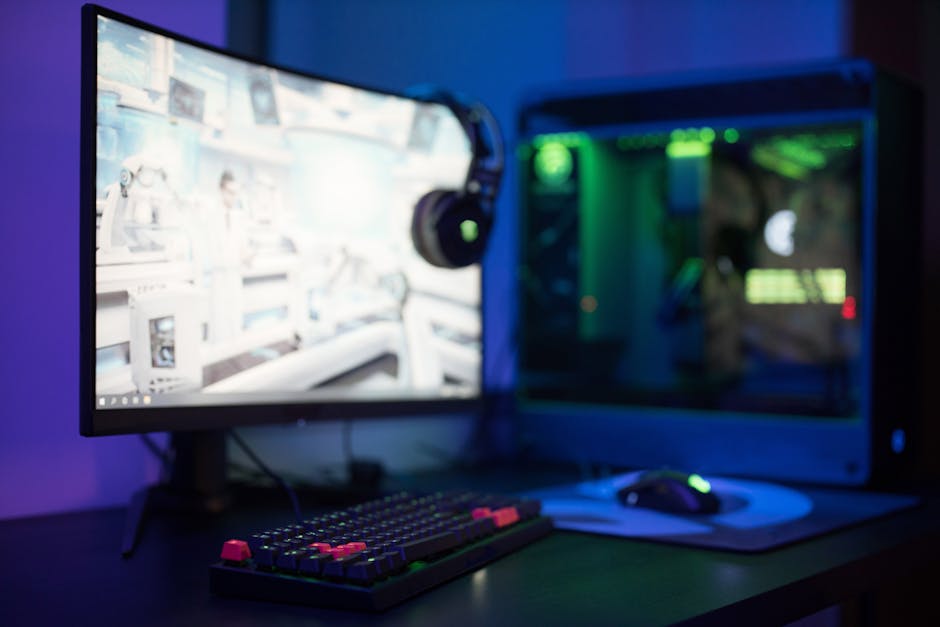
Refresh Rate: The Ceiling Your GPU Determines
Refresh rate (Hz) is how many frames the monitor can display per second. Higher refresh rate reduces motion blur and makes fast-moving content appear smoother.
The hierarchy:
- 60Hz: Standard. Fine for productivity; noticeable limitation in fast games.
- 144Hz: The practical sweet spot for competitive gaming. The jump from 60Hz to 144Hz is universally noticeable.
- 165Hz / 180Hz: Marginal improvement over 144Hz. Often the same panel at a factory overclocked rating.
- 240Hz: Meaningful improvement over 144Hz for competitive FPS players who can maintain 200+ fps in their games. The jump is smaller than 60→144Hz.
- 360Hz / 500Hz: Diminishing returns except for professional esports players. Average GPUs cannot sustain these frame rates in demanding titles.
The GPU bottleneck: A 360Hz monitor only provides benefit when your GPU delivers 300+ FPS in the game you play. In demanding titles like Cyberpunk 2077, a mid-tier GPU delivers 60–80 FPS — a 360Hz monitor provides zero benefit over 144Hz at that frame rate.
For most gaming setups: 144–165Hz is the practical optimum. 240Hz is worthwhile for dedicated competitive players with capable hardware.
Panel Type Trade-offs: IPS vs VA vs OLED
IPS (In-Plane Switching)
IPS panels rotate liquid crystal molecules in the plane of the panel rather than tilting them. This produces consistent color and contrast at wide viewing angles.
IPS advantages:
- Accurate color reproduction (good for creative work + gaming)
- Wide viewing angles (color shift minimal beyond 45°)
- Fast pixel response (modern IPS "Nano" panels reach 1ms GtG)
- Good for bright rooms (high peak brightness achievable)
IPS disadvantages:
- "IPS glow": a characteristic off-axis glow visible in dark corners of the image in low-light conditions
- Lower native contrast ratio than VA (typically 1,000:1 vs 3,000–5,000:1 for VA)
Best for: Fast-paced gaming in a bright room, color-sensitive work, shared viewing angles
VA (Vertical Alignment)
VA panels align crystals vertically. Better native contrast, slower pixel transitions.
VA advantages:
- High native contrast (3,000–5,000:1 typical; Samsung QD-OLED is separate category)
- Deeper blacks in non-HDR conditions
- Better for dark room gaming and HDR content
VA disadvantages:
- Slower pixel response leads to "smearing" — trailing dark pixel recovery artifact visible in fast motion
- Color shift more pronounced at off-angles than IPS
Best for: Strategy games, RPGs, movie watching, dark room gaming
OLED (Organic LED)
Each pixel is self-emitting. True blacks. Extremely fast pixel response.
OLED advantages:
- True black (pixel off = no light): infinite contrast ratio
- Fastest pixel response of any current panel technology (< 0.1ms)
- Exceptional motion clarity at any refresh rate
- Wide color gamut
OLED disadvantages:
- Burn-in risk: static elements (HUD, taskbar) can cause permanent image retention over thousands of hours. Modern gaming OLEDs have mitigation features (pixel shift, screen savers) but the risk exists.
- Lower peak brightness than high-end mini-LED IPS for sustained SDR content
- More expensive ($400–$1,000+ for 27")
Best for: Serious gamers who want best-possible motion clarity and are aware of burn-in management requirements
Mini-LED IPS / IPS Black
Modern IPS panels with mini-LED backlighting (many small LEDs with local dimming zones) approach OLED contrast in HDR content while avoiding burn-in risk.
Best examples: LG UltraGear OLED, Asus ROG Swift OLED; for mini-LED: Samsung Odyssey Neo G8, Asus ROG PG32UCDM.
Response Time: The Most Abused Spec
Response time measures how fast a pixel transitions between states, measured in milliseconds (ms). Slower transitions cause "ghosting" — blurred trails on moving objects.
The measurement problem: Manufacturers use the measurement method that produces the smallest number:
- GtG (gray to gray): Transition between two mid-tones. The most common measurement. A fair comparison point if manufacturers use the same gray levels.
- MPRT (moving picture response time): Measures motion blur using strobe backlight — the number reflects perceived motion blur under specific backlight conditions, not pixel transition speed. A "1ms MPRT" monitor typically has 3–5ms GtG.
Why "1ms" is marketing: Most IPS monitors claiming "1ms" are measuring MPRT with strobe backlight enabled, not GtG. The actual GtG is 2–5ms. This is not fraudulent but is systematically misleading.
What response time actually matters: For monitors above 144Hz, GtG response time above 3–5ms causes visible ghosting. Modern IPS panels at 1–3ms GtG and OLED at sub-0.5ms GtG are better. Budget TN panels genuinely achieve fast response; budget IPS panels often do not.
Overdrive: Most monitors include overdrive settings that reduce GtG by applying extra voltage during transitions. Excessive overdrive causes "inverse ghosting" (bright artifacts). Medium overdrive setting is usually optimal.
Resolution and GPU Requirements
1080p (FHD) at 24"–27": Pixel density is noticeable at close distances. Requires modest GPU for high frame rates — good for competitive gaming.
1440p (QHD) at 27": The current quality sweet spot. Sharp at typical viewing distance, GPU-feasible for high refresh rates. Recommended for most gaming builds.
4K at 27"–32": Excellent pixel density. Requires RTX 4070+ class GPU for 60fps in demanding titles; 144Hz at 4K requires very high-end GPU.
Ultrawide (21:9, 3440×1440): Wide peripheral view in supported games. Not all games support ultrawide properly. More GPU demand than 16:9 at same vertical resolution.
Size and Viewing Distance
Common guideline: 27" at 60–80cm viewing distance for 1440p is comfortable. 32" benefits from slightly greater distance. 24" is better for competitive gaming where total head angle across the screen matters.
For desk setups: 27" QHD is the most common premium purchase. 32" is increasingly popular for productivity/console hybrid use.
Adaptive Sync: FreeSync vs G-Sync
Both Adaptive Sync technologies eliminate screen tearing by synchronizing the monitor's refresh rate to the GPU's output frame rate.
- G-Sync (Nvidia proprietary): Dedicated hardware module in monitor. Better implementation but adds $100–$200 premium. Only works with Nvidia GPUs.
- FreeSync (AMD, open standard): Software-based, no hardware module cost. Works with AMD GPUs; Nvidia cards work with FreeSync monitors in "G-Sync Compatible" mode (performance varies).
- G-Sync Compatible: Nvidia certification for FreeSync monitors that pass testing. Most modern quality FreeSync monitors are G-Sync Compatible.
For most buyers: G-Sync Compatible FreeSync monitor works well with both AMD and Nvidia cards without the G-Sync premium.
Recommendations
Best 1440p 165–180Hz IPS (value): LG 27GP850-B or Gigabyte M27Q — around $250–$300 Best 1440p 240Hz IPS: ASUS ROG Swift PG279QM or LG 27GR83Q — around $350–$450 Best OLED 1440p: LG 27GS95QE-B or Asus ROG PG27AQDM — around $600–$800 Best 4K 144Hz: LG 27GR93U or Samsung Odyssey Neo G7 32" — around $400–$600
Related Guides
Wireless Headphones Buying Guide: ANC Depth, Bluetooth Codecs, Driver Size Reality, and How to Evaluate Sound Before You Buy
Active noise cancellation effectiveness varies enormously between headphones using the same marketing language. Bluetooth codec selection, driver technology, and headband clamping force affect real listening experience more than frequency response curves. This guide explains what to evaluate in wireless over-ear and in-ear headphones.
OLED vs QLED vs Mini-LED (2026): What the Panel Tech Really Means for Picture Quality
OLED and QLED differ by one letter but use entirely different light-generation principles. Mini-LED is a backlight improvement for LCD, not a panel technology. This guide explains what each technology delivers, where each falls short, and how to match panel type to your room and viewing habits.
Smartphone Buying Guide: Avoid Common Mistakes with RAM and Storage
Learn how to choose the right RAM and storage configuration to avoid performance issues and overspending in today's market.